Sansar. Make it yours.

A shared 3D space for your business, your audience, and your imagination.
Create a world and bring people together, for product walkthroughs, fan gatherings, guided visits, and places to play.
What does yours look like?

Pick what fits you, or start with an example.
Showcase and collaborate
Walk customers, suppliers, and teams through equipment, showrooms, and spaces together, wherever they are.
Connect with your audience
Host a gathering, introduce something new, or spend time with fans in a place that feels like you.
Teach and explore
Explore places and ideas together, guided by the people who know them best: teachers, museums, and experts.
Create and play
Make a world for your friends, create a game, or turn your imagination into a business.
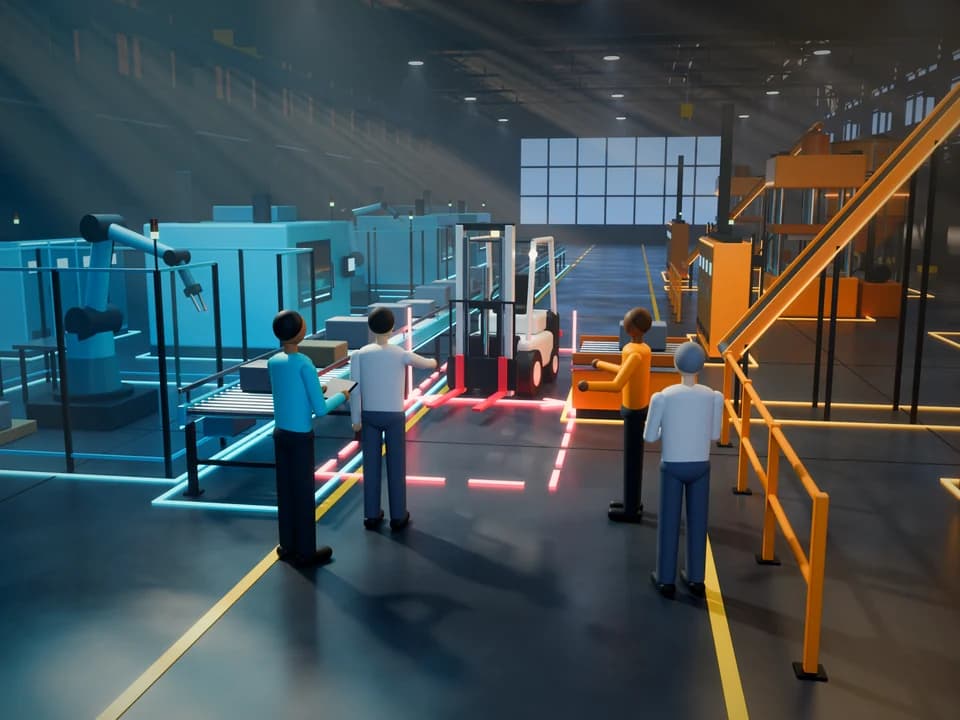 Your business, Review an equipment layout, Illustration
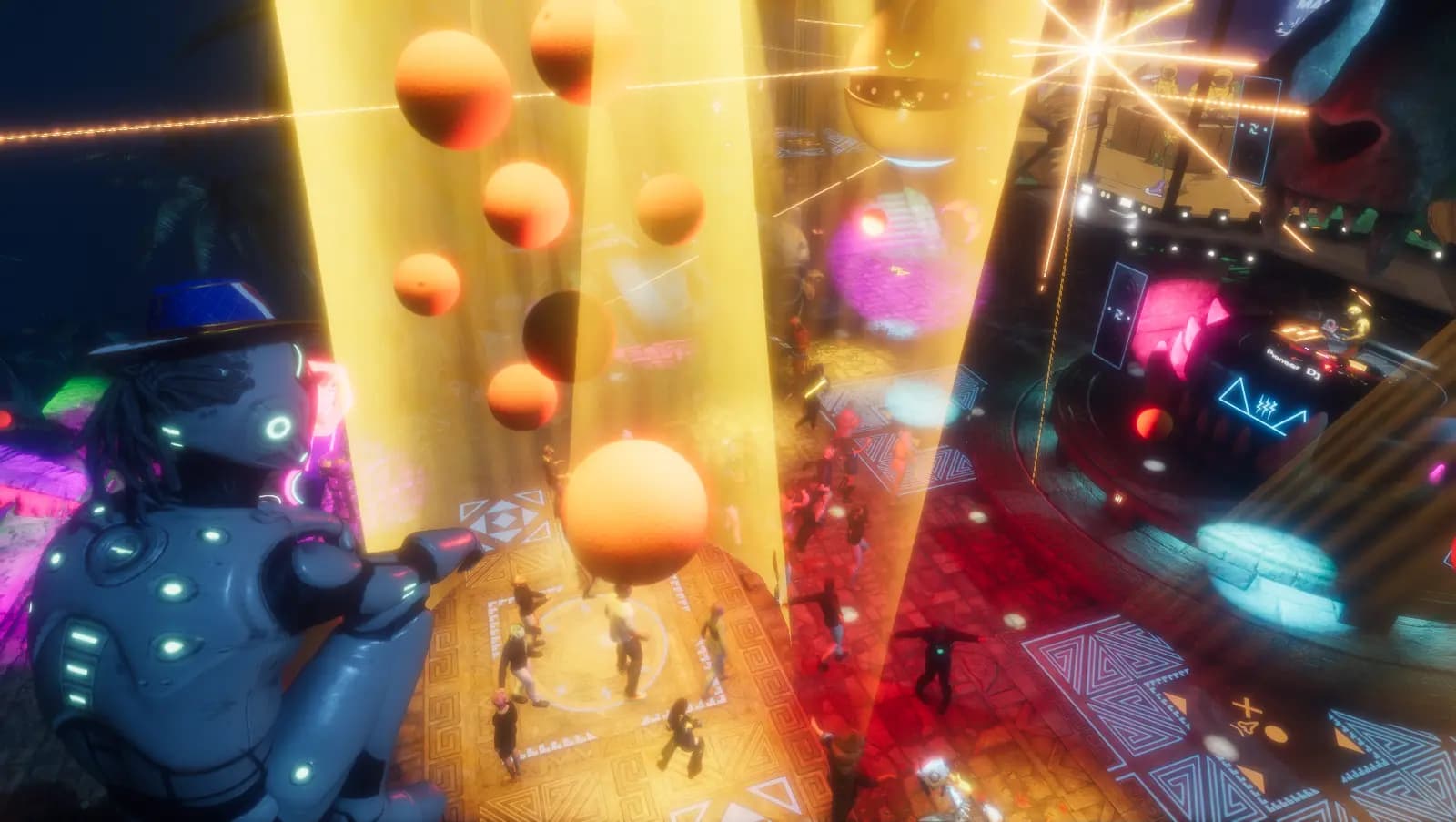
 Your audience, A first gathering or a fan night
- Your knowledge, Lead a guided visit
 Your imagination, A world to build and play in
In-world capture: a Saturn V exhibit in a museum hangar. Visit NASA Apollo Museum
See it in use
Walk through the proposal together
Illustration — in-world footage comingSupplier ASupplier BCustomer
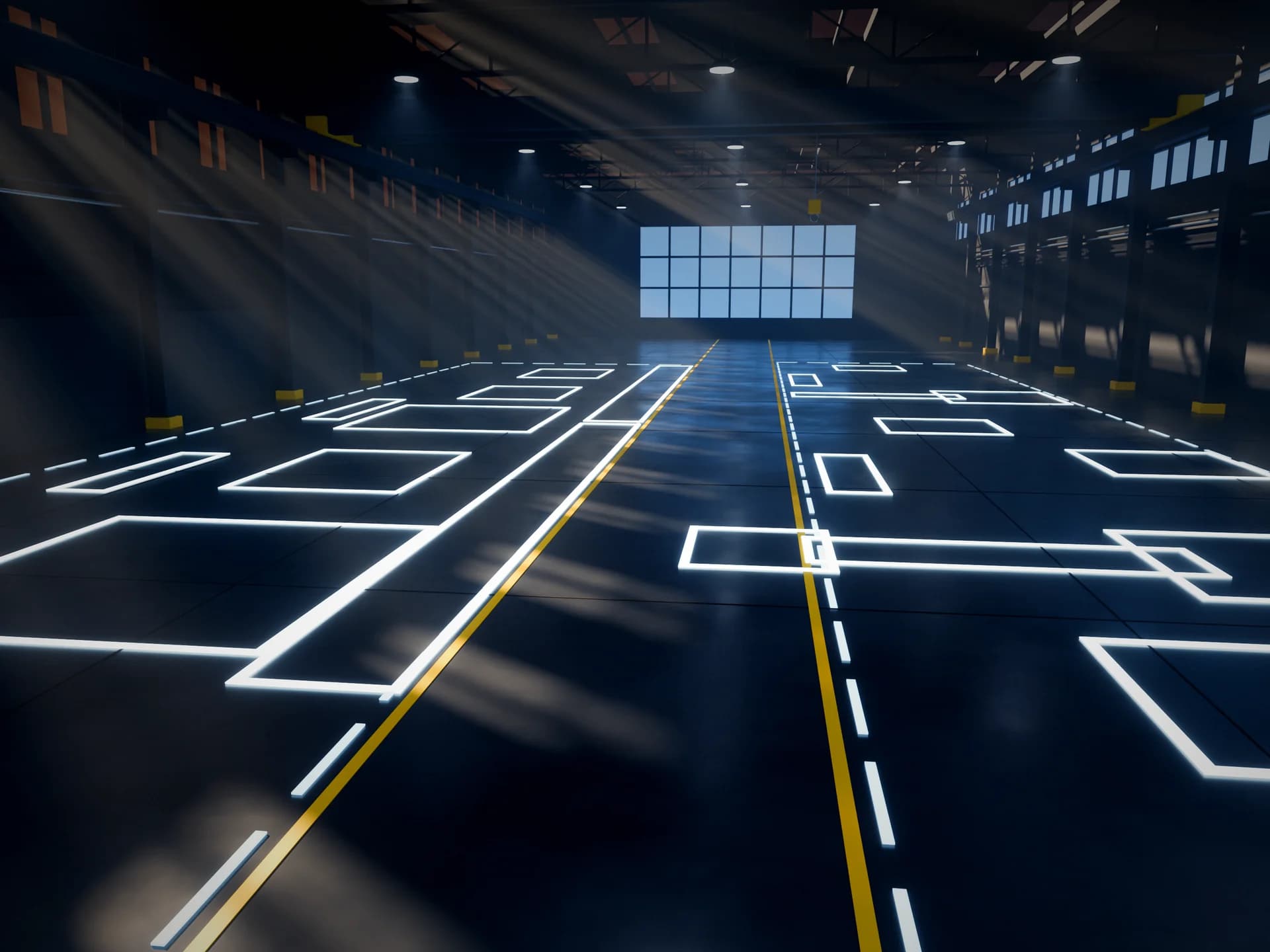
Share the layout
The customer provides the floor plan of their facility.
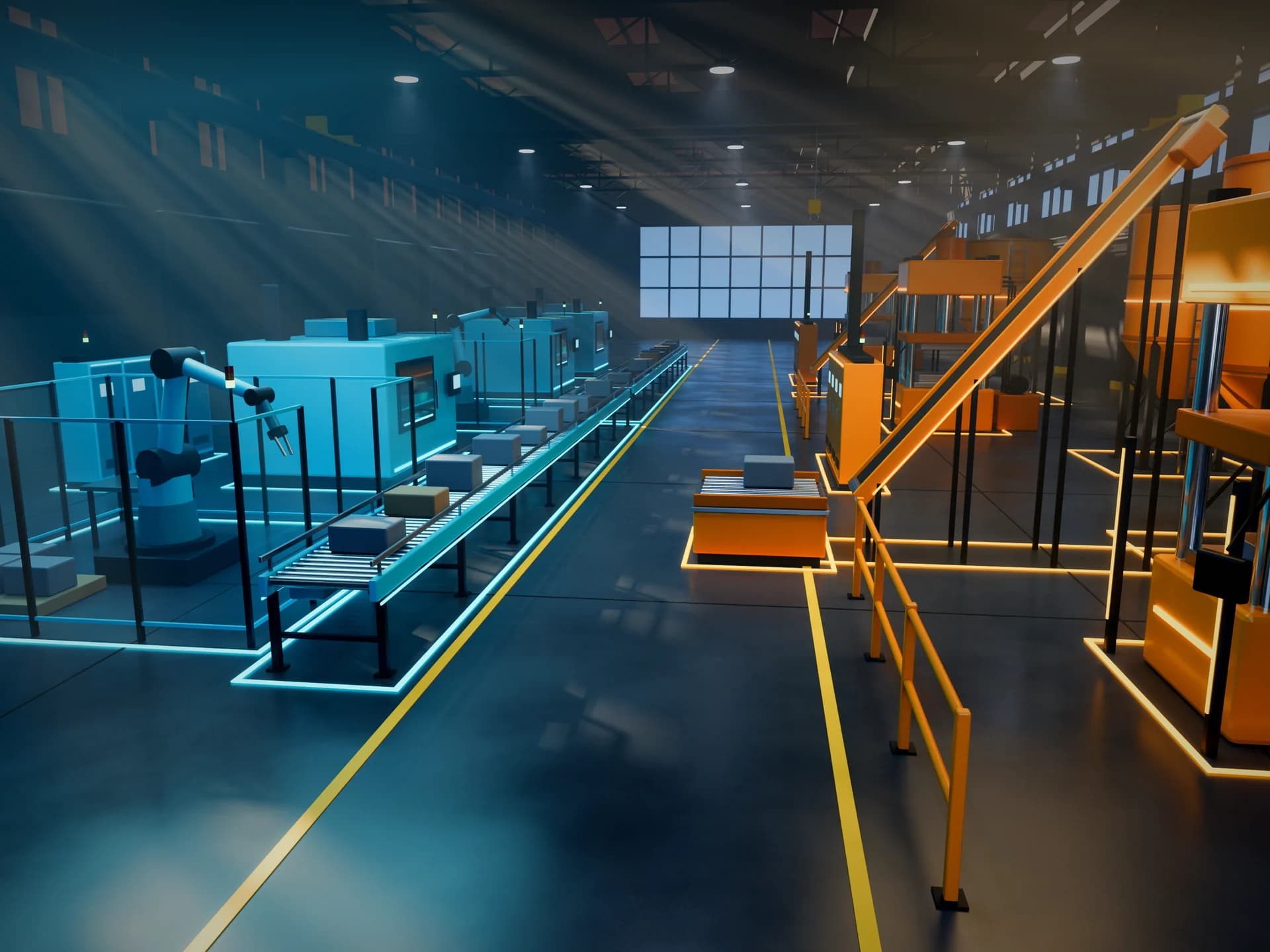
Place the equipment
Each supplier adds the equipment they propose.
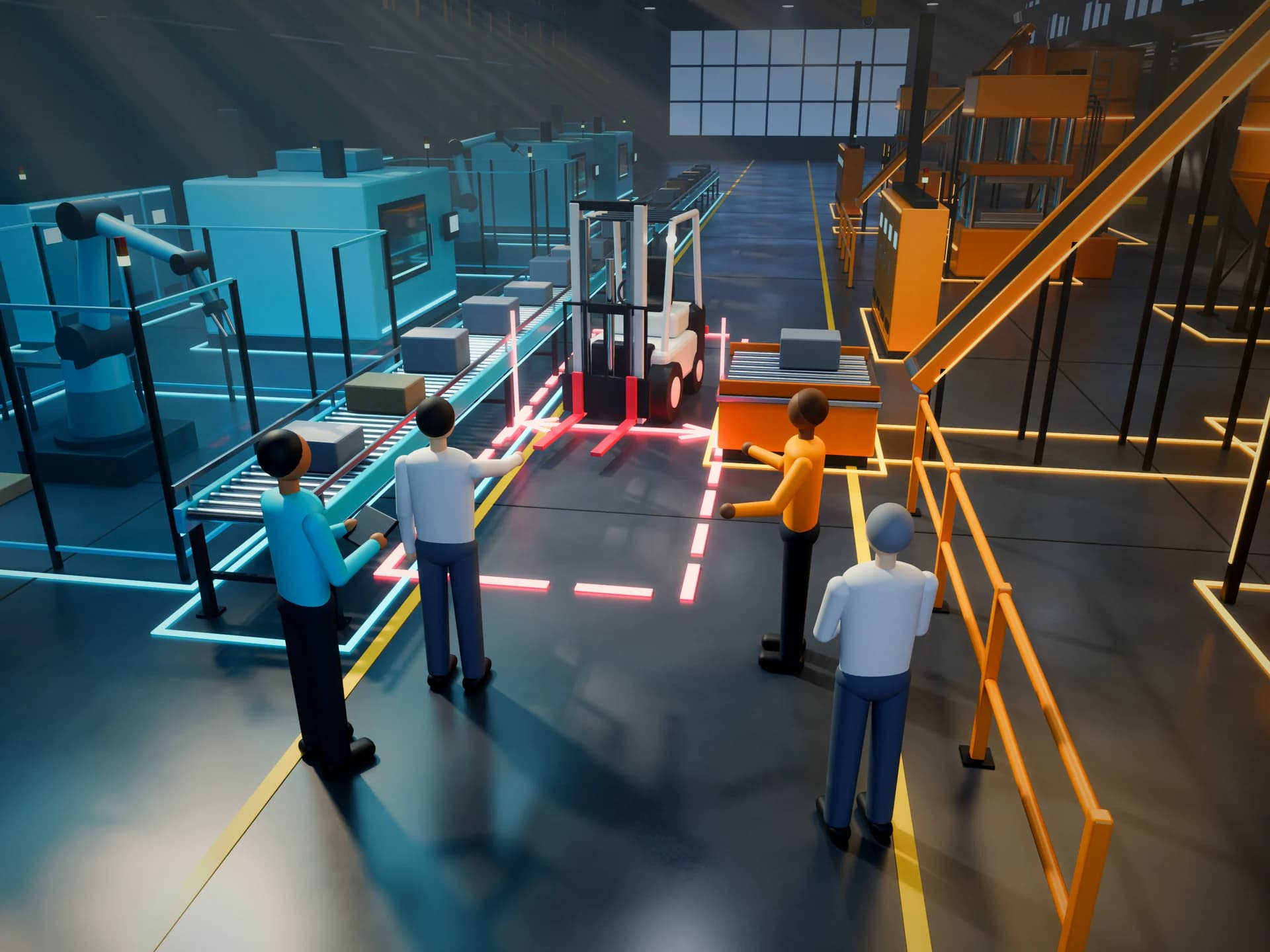
Walk it together
Everyone stands in the marked aisle and checks the clearance.
Book a demoA walkthrough of the tools available today, and a conversation about what your business needs.
Host a gathering


- Set the scene. A stage with a giant screen, a club lit by lasers, or a quiet lounge.
- Take the stage. Perform or present something new to the people who came.
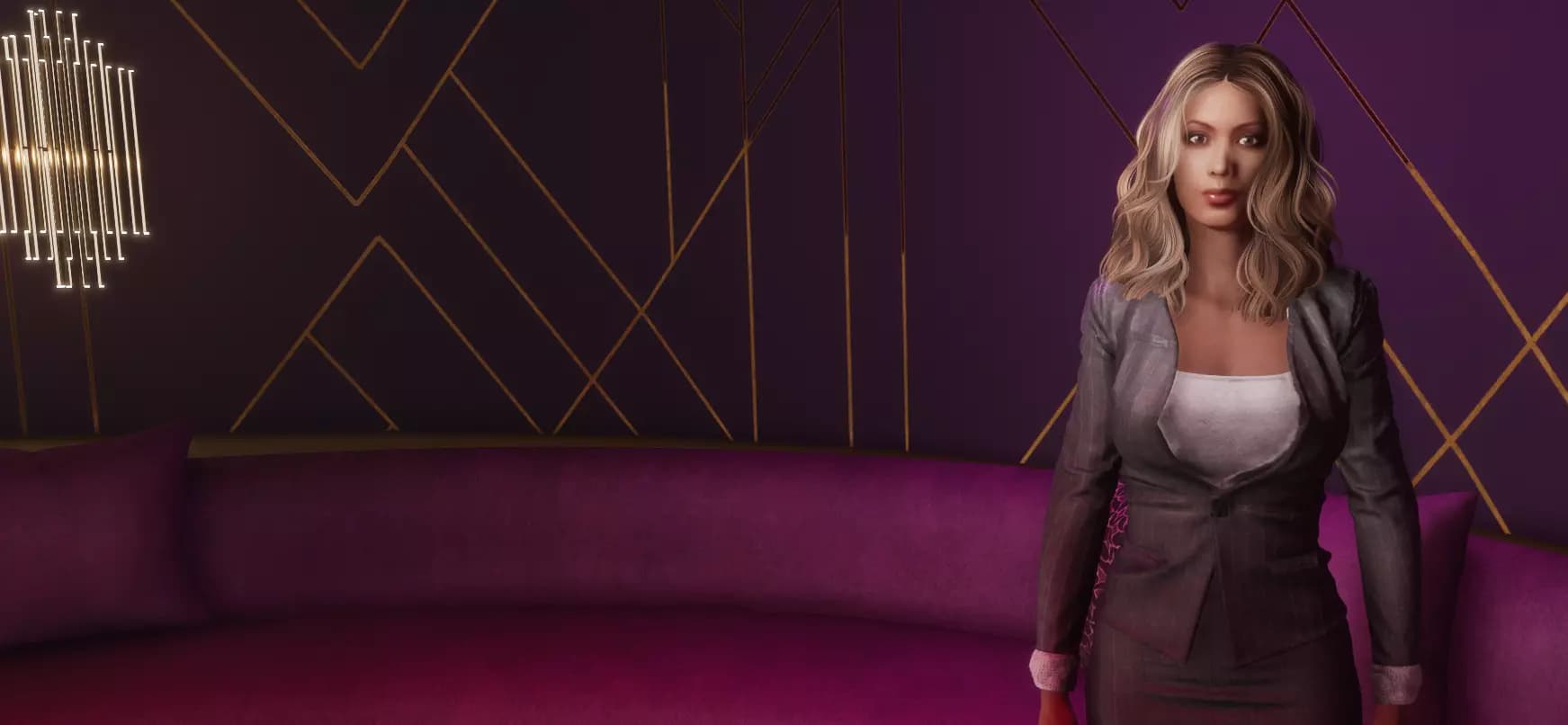
- Stay and talk. Guests gather in small groups afterward, as in the lounge pictured.
You do not need a following to start. A first gathering can be a few friends.
Guests join from a Windows PC with the free Sansar app. VR is optional.
Three ways to get a world to host in
For brands and larger launches:Talk to the team
Tell us what you have in mind, and someone from the team will reply.
Lead a guided visit
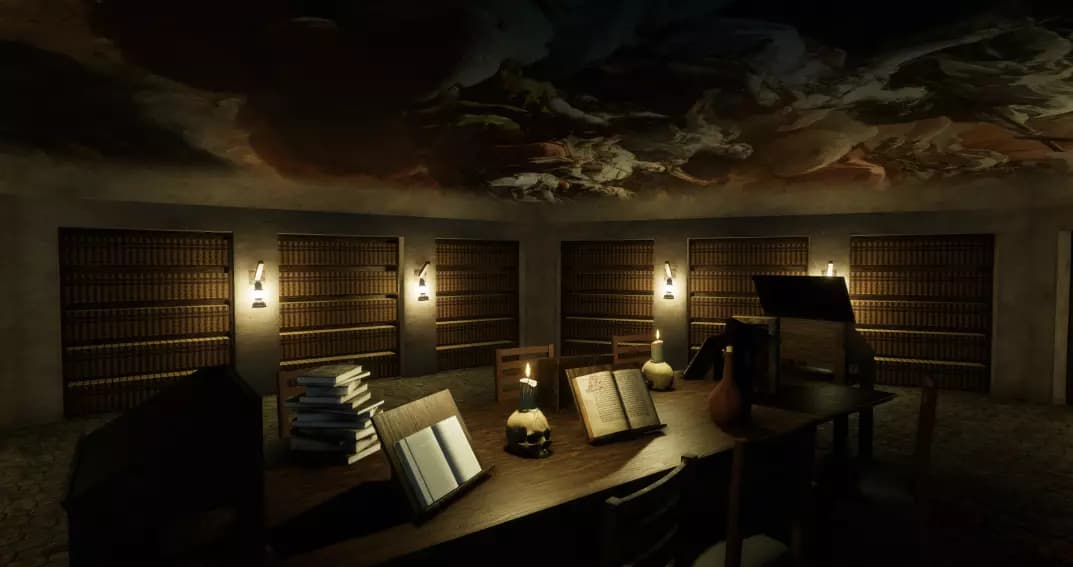
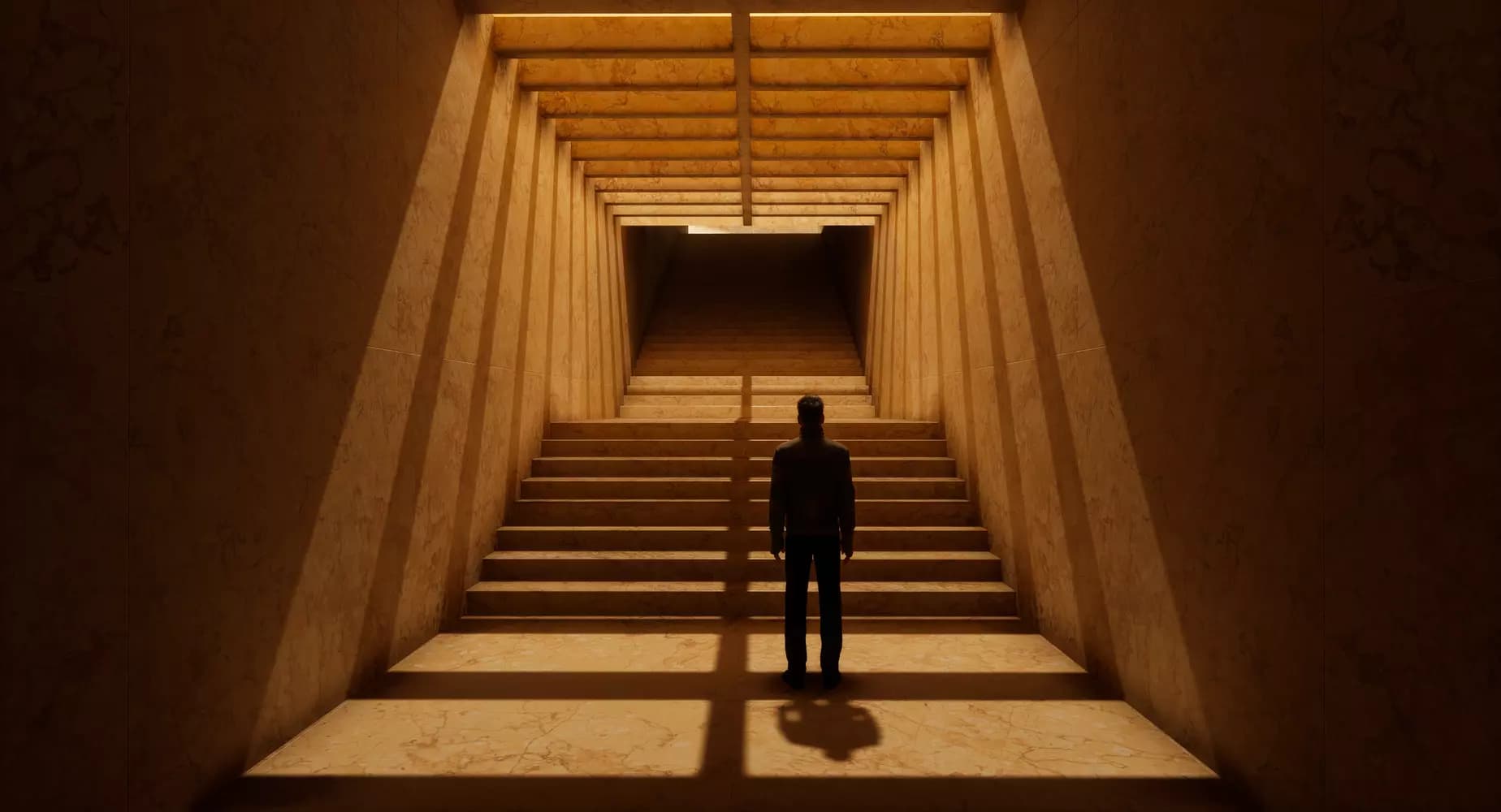
For example, a lesson on the Moon landings:
- Pick the place. A hangar with a Saturn V, like the one pictured above.
- Bring your group in. A class, a tour party, or the public, together in the same space.
- Walk and talk. Stop at each stage of the rocket, point things out, and take questions as you go.
Guests join from a Windows PC with the free Sansar app. VR is optional.
Three ways to make a place to visit
For museums and institutions:Talk to the team
Tell us what you have in mind, and someone from the team will reply.
Worlds made in Sansar
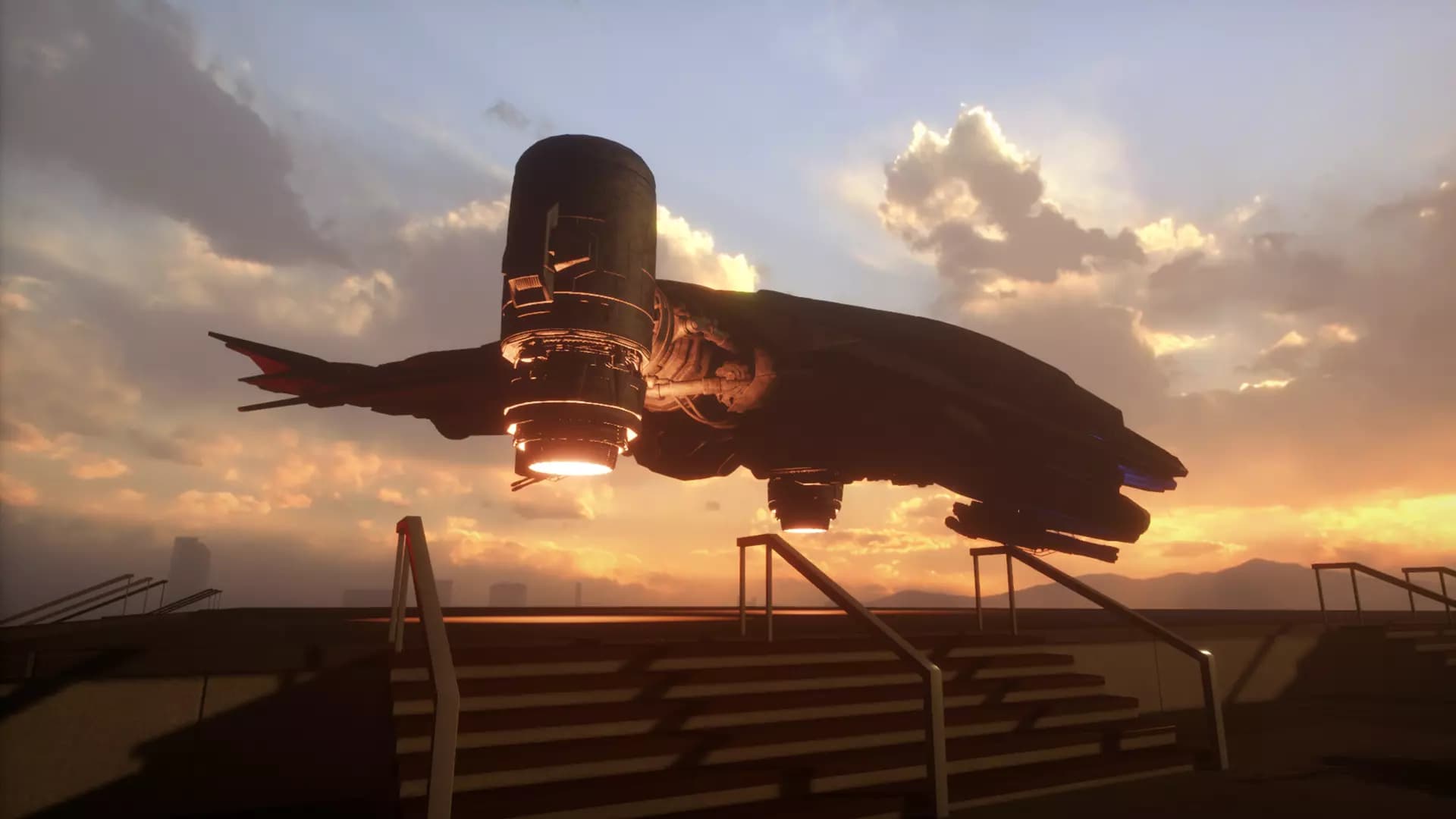

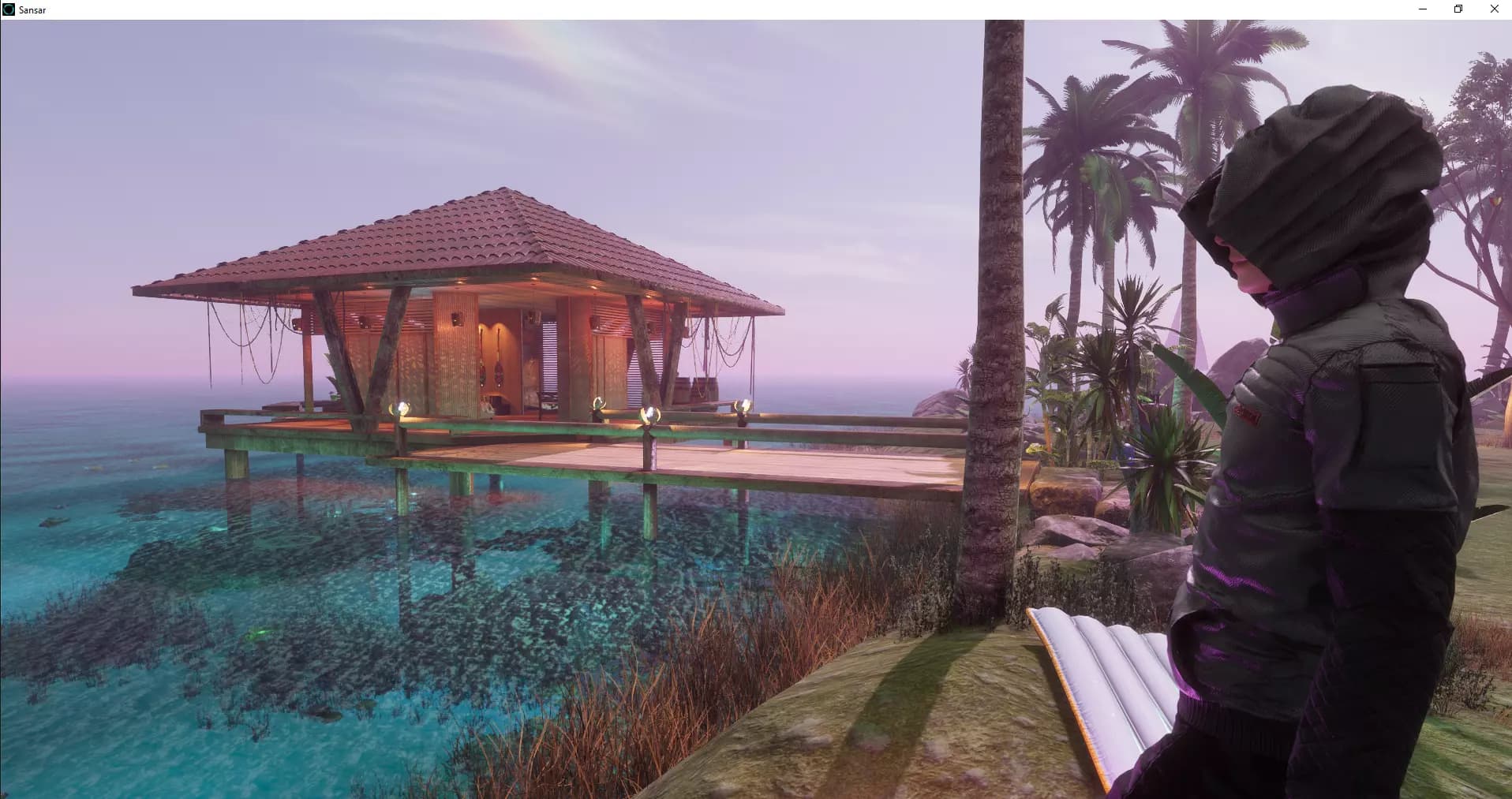
- A place for friends. Somewhere to meet that looks the way you want it to.
- A scene from a story. Build the setting and let people walk into it.
- A game. Rules, goals, and a reason to come back.
Creators sell what they make in the Store.Browse the Store
From idea to shared world
A guided visit starts with a place to visit. Here are three ways to make one.
Start with what you have
A 3D model, reference images, or a drawing, depending on the route.
Build and refine it
Place things, adjust them, and try the space until it works.
Bring people in
Open the world and meet in it together.
Build it yourself
Available now · self-service
Import your own 3D models, then build and edit with the creator tools in the Sansar client, a free Windows download.
Build with AI on the web
Closed pilot
Describe the world you want and add reference images; captured environments start from photos. It is not open to everyone yet.
Build with the Sansar team
On request · assisted
Bring drawings, layouts, models, or references. Someone from the team will reply and work out with you what it would take.